Android is the widely used Smartphone in the world and its very popular because of its latest and advanced features. But it has some common errors that the users are facing sometimes. Not registered on network error is such a common error that is faced during calling or messaging from the android phones. This problem is usually seen in Samsung Galaxy S3, S4, S5 and in Notes. There may be various reasons of this error. If the signal or network is very poor then you may get this error or due to the interference of carrier network or the incorrect position of SIM card can bring this error. This not registered on network error can be very easily solved by following some methods. And these are discussed below.
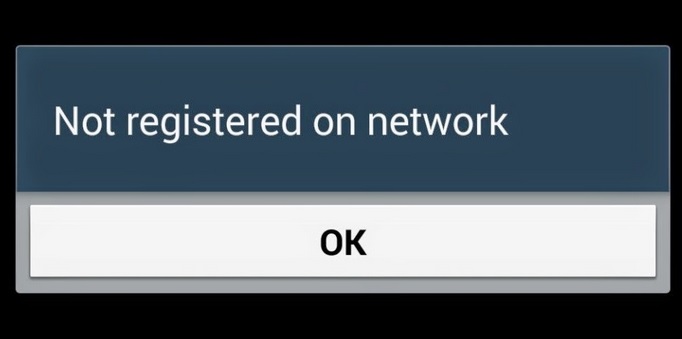
Methods to fix not registered on network error in android phones:
- You have to verify the Network service of your phone and the operator service. First go to settings and then select Mobile networks. Tap the network operator to search the networks available for your phone. Now click on carrier service. Selecting the Network operator option will reconnect the device to fix the problem.
- There is other way also to handle this error. Improper position of the SIM card may create this problem. So just take out the SIM card once and then reinsert it. The problem will be gone now if the reason is improper position of SIM card.
- One more way can help you to get out of the not registered on network error. For this you have to go to settings first. Then tap ‘More network’> Mobile network> and ‘network mode’. Select WCDMA in the network mode. Now restart your android Smartphone to discover it without the above error.
Leave a Reply